Migrate customer
Select customer
- Navigate to https://migrator.svc.dev.stratsys.net then click Migrera kunder.
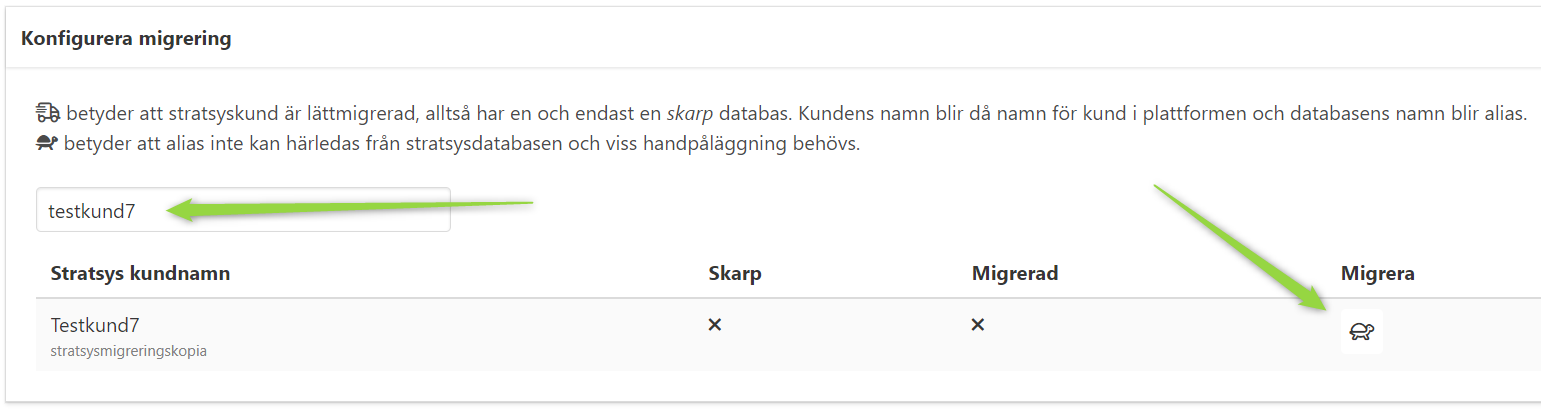
- Search for the customer to migrate (can be customer name or database name).
- Click on the turtle.
Set alias
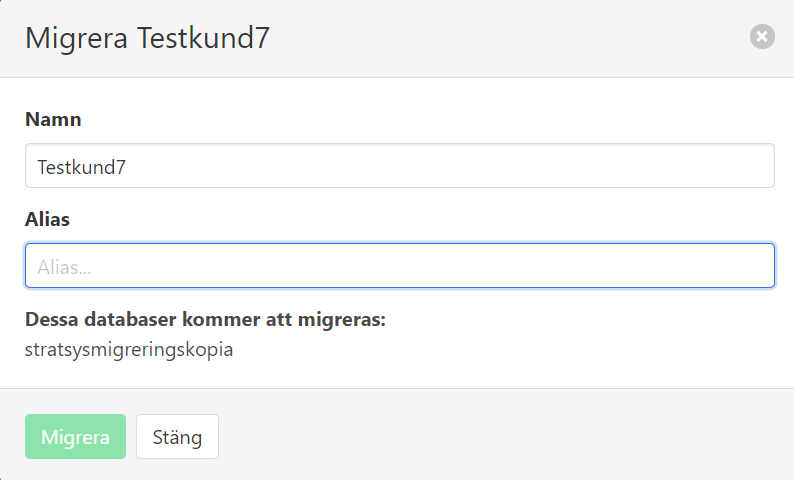
- A popup will appear. Provide an alias for the new customer (if not already provided) and click Migrera.
Migrate
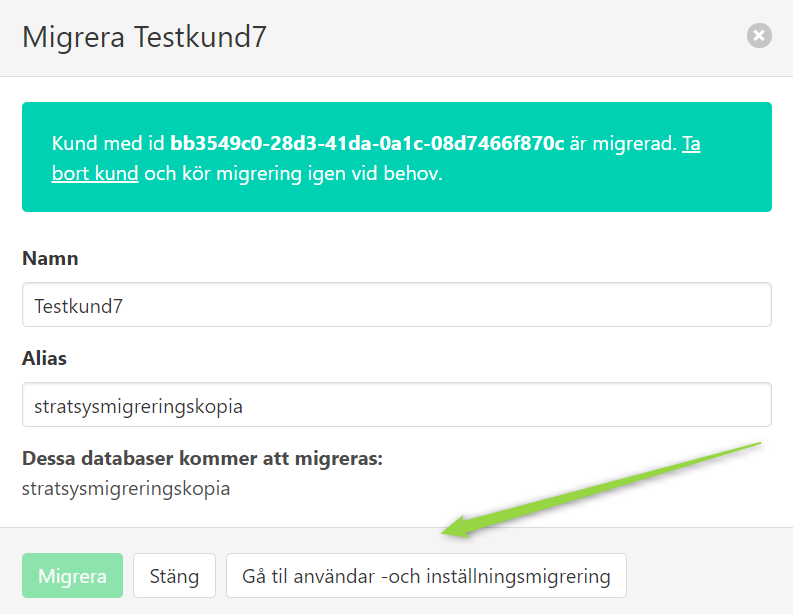
- If everything went well, the tenant id to the newly created platform customer will be shown.
- Click the Gå till användar -och inställningsmigrering to go to the users and settings migration.